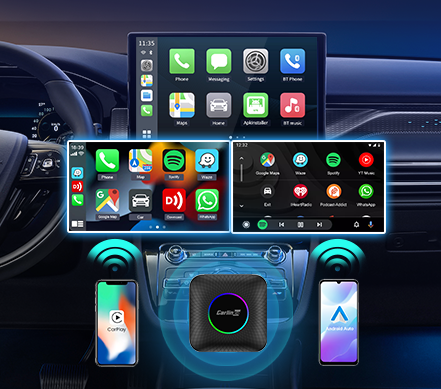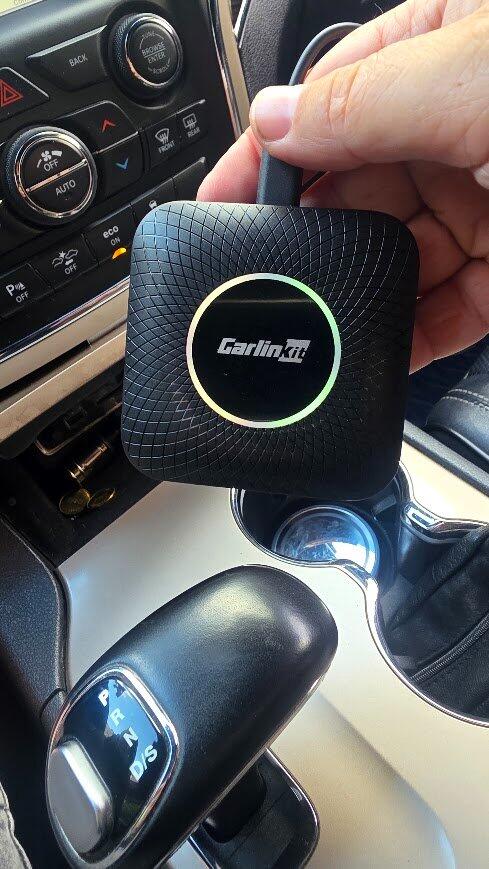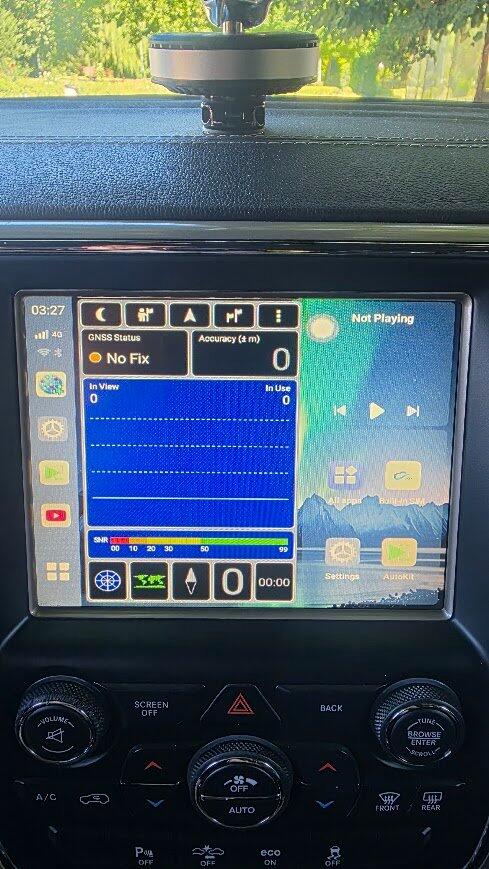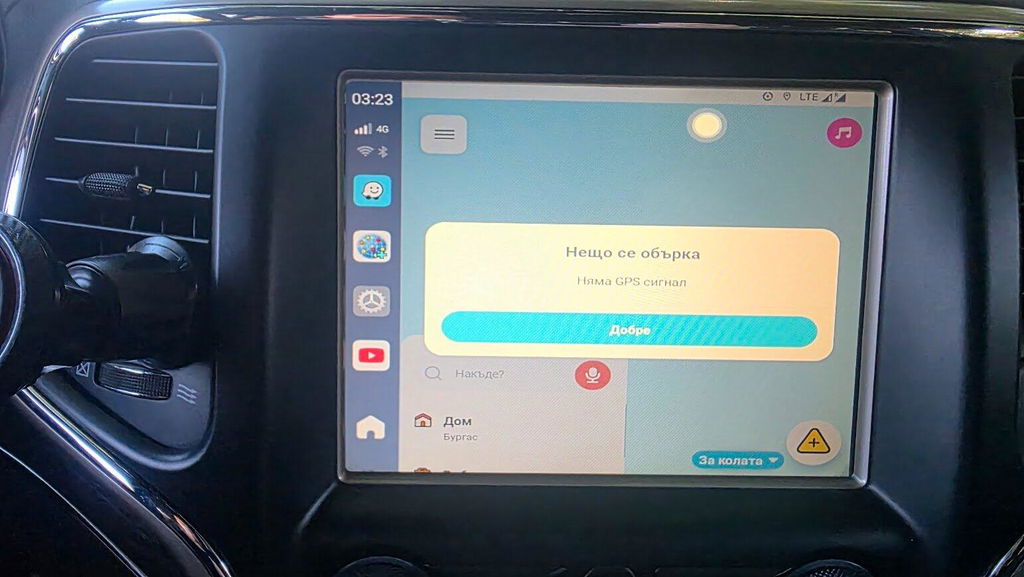
CarlinkitTboxAmbientLED-SM6225-3in1-adapter system carplay Android auto
CarlinkitTboxAmbientLED-SM6225-multiple function
Carlinkit Tbox Ambient LED-SM6225-powerful performance
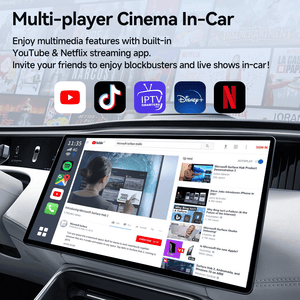
Carlinkit Tbox Ambient LED-SM6225-build in streaming app youtube netflix
Carlinkit Tbox Ambient LED-SM6225-powerful chip
Carlinkit Tbox Ambient LED-SM6225-Built in GPS Glonass Beidou
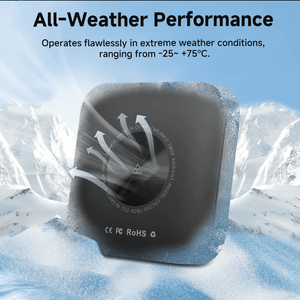
Carlinkit Tbox Ambient LED-SM6225-All Weather Performance
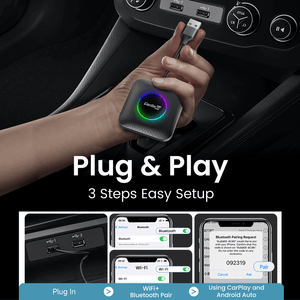
Carlinkit Tbox Ambient LED-SM6225-easy to plug and play
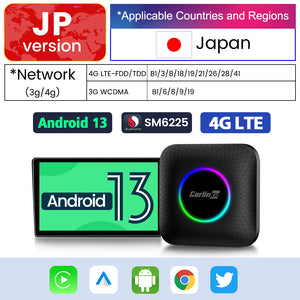
Carlinkit Tbox Ambient LED-SM6225-NA region version
Carlinkit Tbox Ambient LED-SM6225-EAU region version
CarlinkitTboxAmbientLED-SM6225-3in1-adapter system carplay Android auto
CarlinkitTboxAmbientLED-SM6225-multiple function
Carlinkit Tbox Ambient LED-SM6225-powerful performance
Carlinkit Tbox Ambient LED-SM6225-build in streaming app youtube netflix
Carlinkit Tbox Ambient LED-SM6225-powerful chip
Carlinkit Tbox Ambient LED-SM6225-Built in GPS Glonass Beidou
Carlinkit Tbox Ambient LED-SM6225-All Weather Performance
Carlinkit Tbox Ambient LED-SM6225-easy to plug and play
Carlinkit Tbox Ambient LED-SM6225-NA region version
Carlinkit Tbox Ambient LED-SM6225-EAU region version

Tbox Led Multimedia Video Android13 AI Box Wireless CarPlay & Android Auto

SKU: SP-TBOX-6225XA-OVA-BK
Auf Lager
Verkaufspreis $189.00 USD
Verbessern Sie Ihr Fahrerlebnis mit Carlinkit Tbox Ambient LED. Es ist eine Multimedia-Video-Android13-AI-Box, die Wireless CarPlay & Android Auto unterstützt. Ausgestattet mit Unterhaltungsmöglichkeiten wie In-Car-Videoanzeige, integriertem 4G-Full-Network-Modul, geteiltem Bildschirm usw.


BENÖTIGTE REGION: Nordamerika / Kanada / Mexiko
ROM und RAM: 8 + 128 GB

- Packing box * 1

- Product * 1

- Data cable * 2

- Product manual * 1

Your order will be processed within 24 hours. You may receive an email with updated tracking information once your order is in transit. When your package arrives, you will receive send a physical confirmation of arrival.

Our Shipping Policy>>

Our return policy is customer-friendly and allows you to get your money back within 30 days of receiving your item.

Our Refund & Return Policy>>

Enjoy peace of mind with a minimum 1-year warranty. Covers manufacturing defects and workmanship issues under normal use.

See our Warranty Policy for more details.

Reach our friendly team via live chat or email us at carlinkitmall@gmail.com for prompt assistance.

Pay with Ease

Carlinkit Tbox Ambient LED-SM6225-NA region version

Tbox Led Multimedia Video Android13 AI Box Wireless CarPlay & Android Auto

Tbox Led Multimedia Video Android13 AI Box Wireless CarPlay & Android Auto

Tbox Ambient

3-IN-1 System Multimedia Video Android13 AI Box Wireless CarPlay & Android Auto

With shared wireless network, travel is no longer boring.

Insert the SIM card into the CarPlay AI box, turn on the hotspot in the settings, and you're good to go. Share the wireless network and do what you want.

Connecting various devices and playing games is a breeze.

Support Split Screen Function

Split screen lets you use music apps and navigation at the same time, or use navigation and video apps at the same time. It's the perfect solution for entertainment and work.

Wireless Android Auto & Carplay

All your favourite apps on your car screen, now completely wireless.

Before
After

Every Drive, A New Moment

From quiet solo commutes to fun family adventures, it turns every journey into a memorable experience.

For Date Nights & Getaways

Make every moment together special.
Seamless split-screen mode lets you navigate and stream at the same time.

Make every moment together special.
Seamless split-screen mode lets you navigate and stream at the same time.

Carlinkit Tbox Ambient LED-SM6225-All Weather Performance

All-Weather Performance

Operates flawlessly in extreme weather conditions, ranging from -25~+75°C.

Set up in Three Easy Steps

Many car accessories require complicated setup processes. Our products are designed for effortless installation—plug them in and they work. No apps or complex configurations needed.

1. Plug Device into Car

Select internet source such as TBox Mobile SIM Card or Mobile Hotspot. This is only necessary for the very first setup.

2. Select Internet Source

Connect TBox to your car's CarPlay/Android Auto-enabled USB port, using the provided cable, and turn on Bluetooth.

3. Enjoy Your Favorite Apps

Download your favorite apps from the app store or use our pre-downloaded apps to start streaming!

Retain Original Controls, Elevate Your Drive

1:1 match your car's native control logic, unlock wireless CarPlay/Android Auto without modifying your vehicle.

Voice Control

Knob Control

Steering Wheel Control

Touch Screen Control

Specifications

Tbox Led Multimedia Video Android13 AI Box Wireless CarPlay & Android Auto
Tbox Led Multimedia Video Android13 AI Box Wireless CarPlay & Android Auto VerkaufspreisAb $159.00 USD Normalpreis$169.00 USD
Operating System Version
  • Android 13
Smartphone OS
  • iPhone (iOS)
  • Android Phone
Main Functional Requirements
  • Multimedia & Streaming(Advanced: Netflix, YouTube, Apps + Wireless CP/AA)
Vehicle Connection
  • Factory Wired CarPlay
  • Factory Wired Android Auto
Firmware Updates

FAQs

Which cars are not currently supported by Carlinkit Tbox series products? (Updated on 2026/05/20.)

Supported Vehicles:
Car with factory wired CarPlay or wired Android Auto.

  • It is not compatible yet, please wait for the next version update.
    2018 Jaguar Fpace [6225] box, not applicable now.
    2023/2024 Mitsubishi Outlander
    2023/2024 Honda ZRV
    2019 Toyota auris

  • Vehicles that need to add power cables. (Please contact us by email after placing an order so that we can add power cables.)
    2019 Kia Cerato
    2023/2024 Mazda All Series
    Toyota BZ4X
    2018 Acure TLX

  • Vehicles that need to switch to Android Auto channel.
    2020 Perodua bezza
    2022 KIA Sportage
    2023 Skoda slavia
    2023 Perodua Alza
    2022 Honda Amaze
    2024 Subaru Outback/Crosstrek
Parts of the screen are blocked. How can I recalibrate the on-screen menu?

Because the screen size of each car is different, although the Tbox series products can achieve adaptive screen, some cars still require manual calibration of the screen menu.

Settings---AutoKit-Tbox Settings--- Factory Settings, enter the password 9999--Enter Developer Options--Search for "Minimum Width"--Change to 600 (the larger the sub-icon, the smaller the content displayed)

YouTube: https://youtu.be/p3YB-s5Ug_s